Magazine Cover Project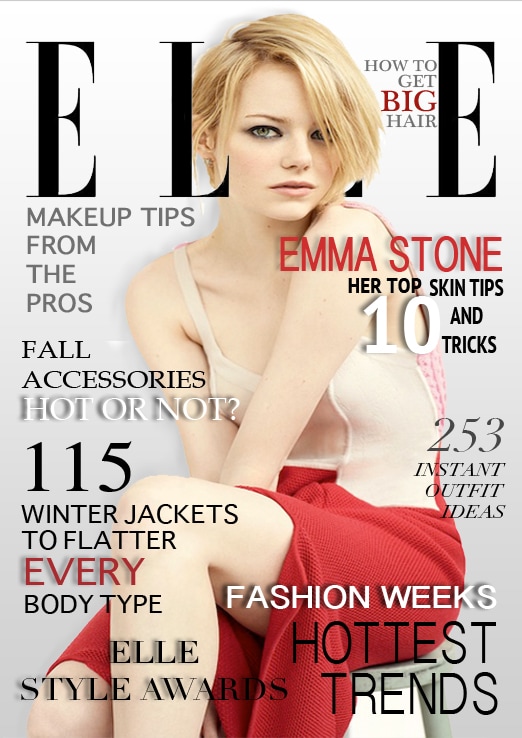
You have learned some very useful tools and features of Adobe Photoshop by now. Now it's time to apply both your newly learned skills and the knowledge we've been learning in class discussions. In this project, you will apply the Elements and Principles of Design to create an original, attractive magazine cover.
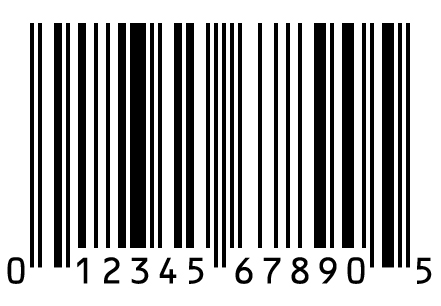
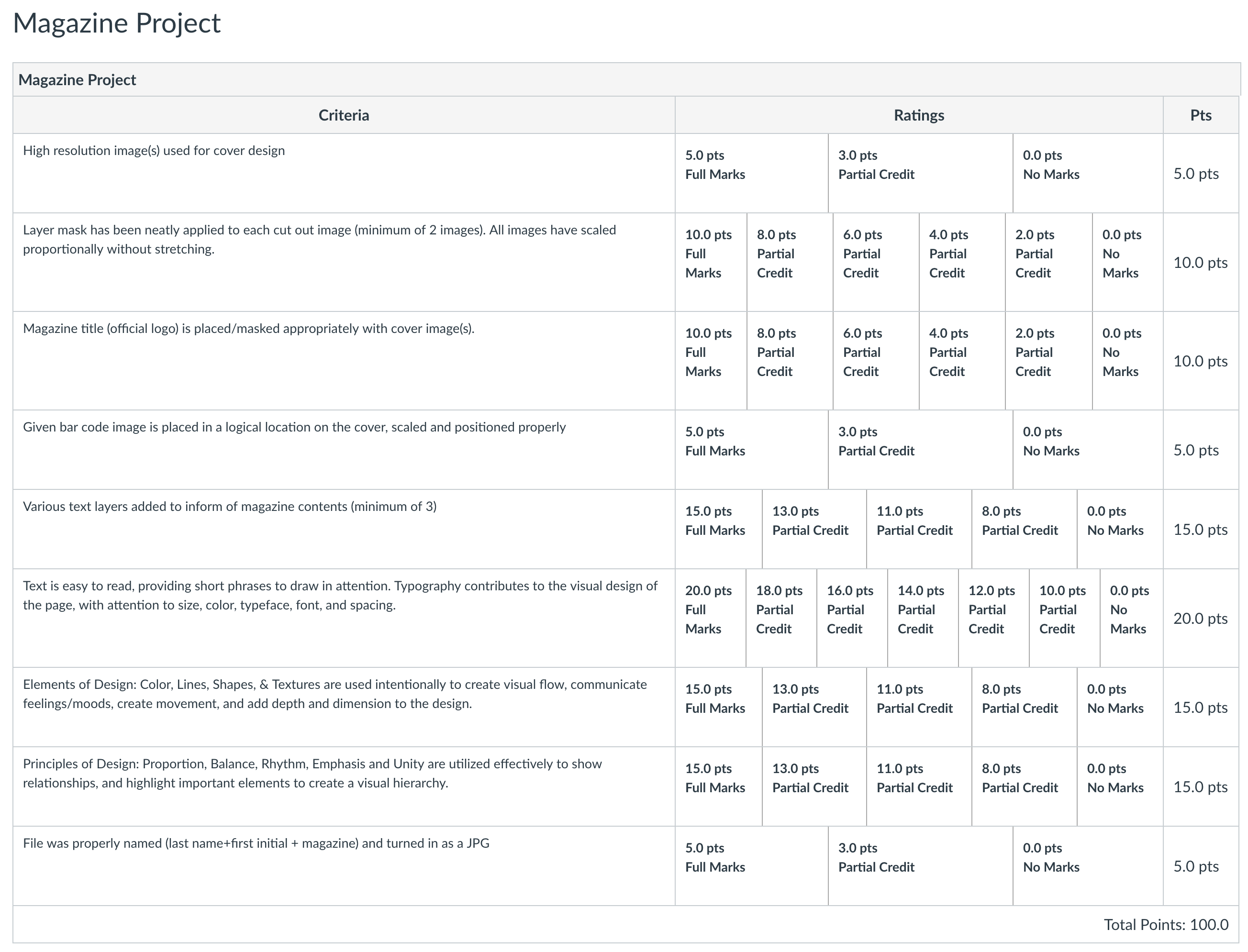
Choose your favorite magazine and create a magazine cover like it in Photoshop. Add a picture or two of the typical cover images this magazine would use - these could be products or famous people. Be sure your images are clean and attractive and not pixelated. The size of the project will be 7.25 width x 10.25 height in inches with 72 resolution. If these were going to be sent to an actual print company then you would use 300 as the resolution. Next, use font sites like dafont.com to select a few appropriate fonts and add headlines to your magazine cover. Be sure to practice unity, balance, emphasis, and proportion! As you work, save your project as a .psd and name it lastname + first initial +magazine.psd. When you are finished, save it again as a JPEG with the same name (ex: pettywmagazine.jpg) Submit the .JPG file using the form below. Don't forget to review the rubric to make sure you are meeting all of the project requirements!
|

Downloadable Fonts

| ||||||||

|
|
